
Getting Started with Screencastify
Directions: Learn how to use Screencastify by watching these video tutorials. If you have any questions, please let one of us know. (email can be found at the bottom)
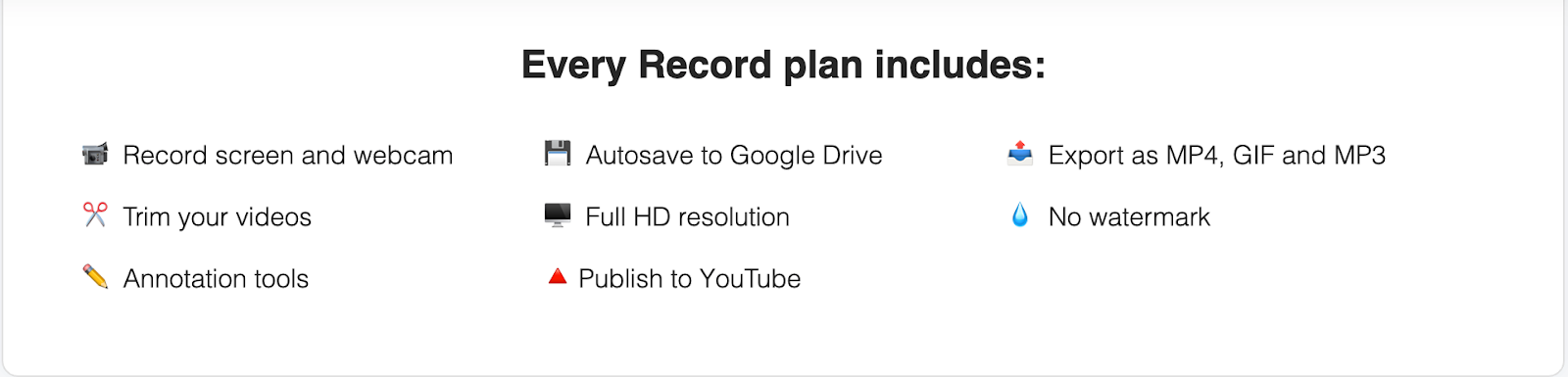
Install Screencastify - This video will walk you through the steps of installing screencastify, logging in with your UCLS google credentials Please note that lab has a premium subscription to Screencastify. Screencastify premium includes
To get started:
Download:
Getting Started with Screencastify - Learn how to record using Screencastify. Additionally learn how to use annotation tools during a recording.
Editing your video - Develop your editing skills in Screencastify by watching this video
Sharing your video - Discover how to share your video with others in this video
Questions:
Email one of us for help or look at Screencastify Help Center
Comments
0 comments
Article is closed for comments.