
Lab Zoom Tutorials
Logging In
- Via web browser: uchicago.zoom.edu, login with CNET
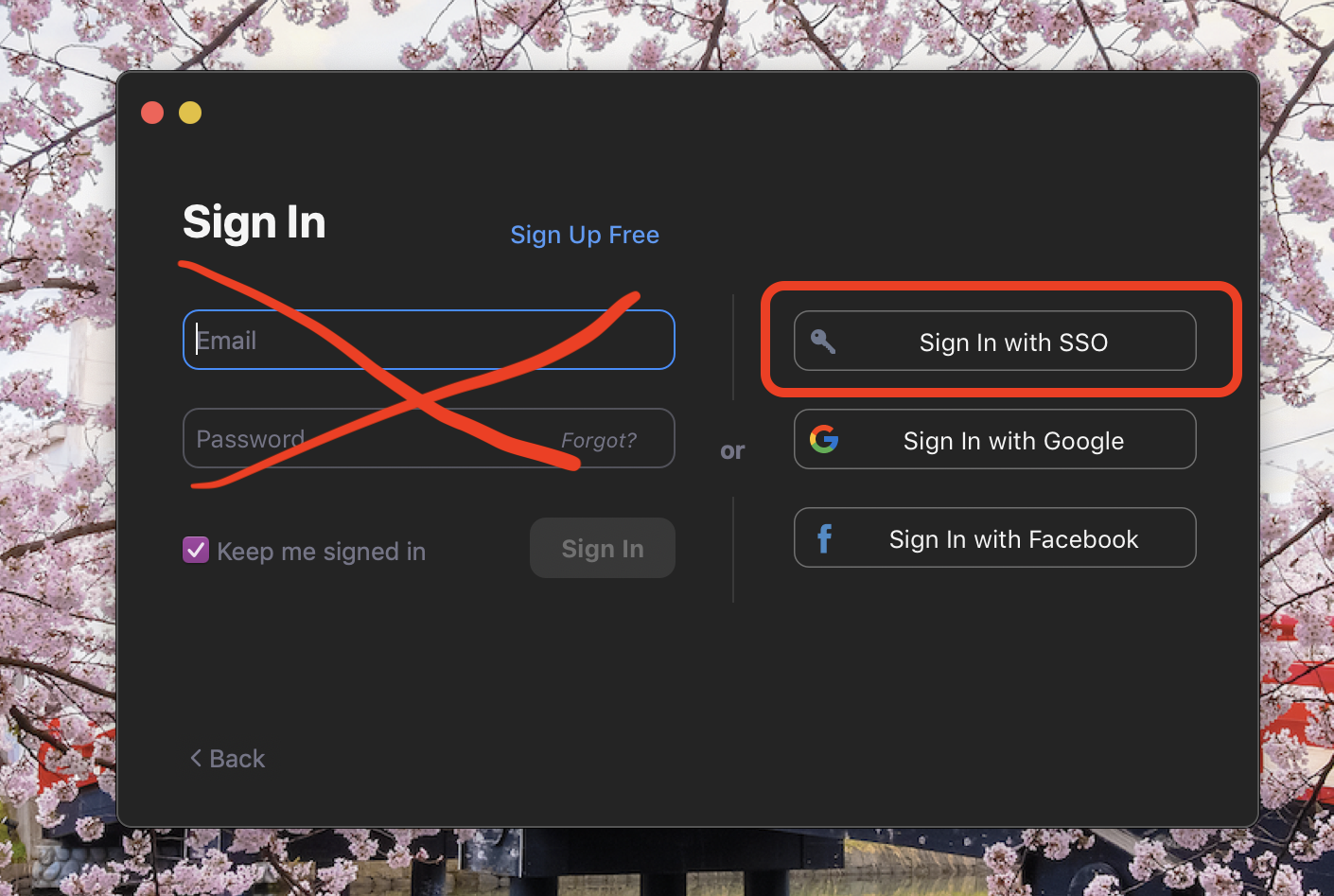
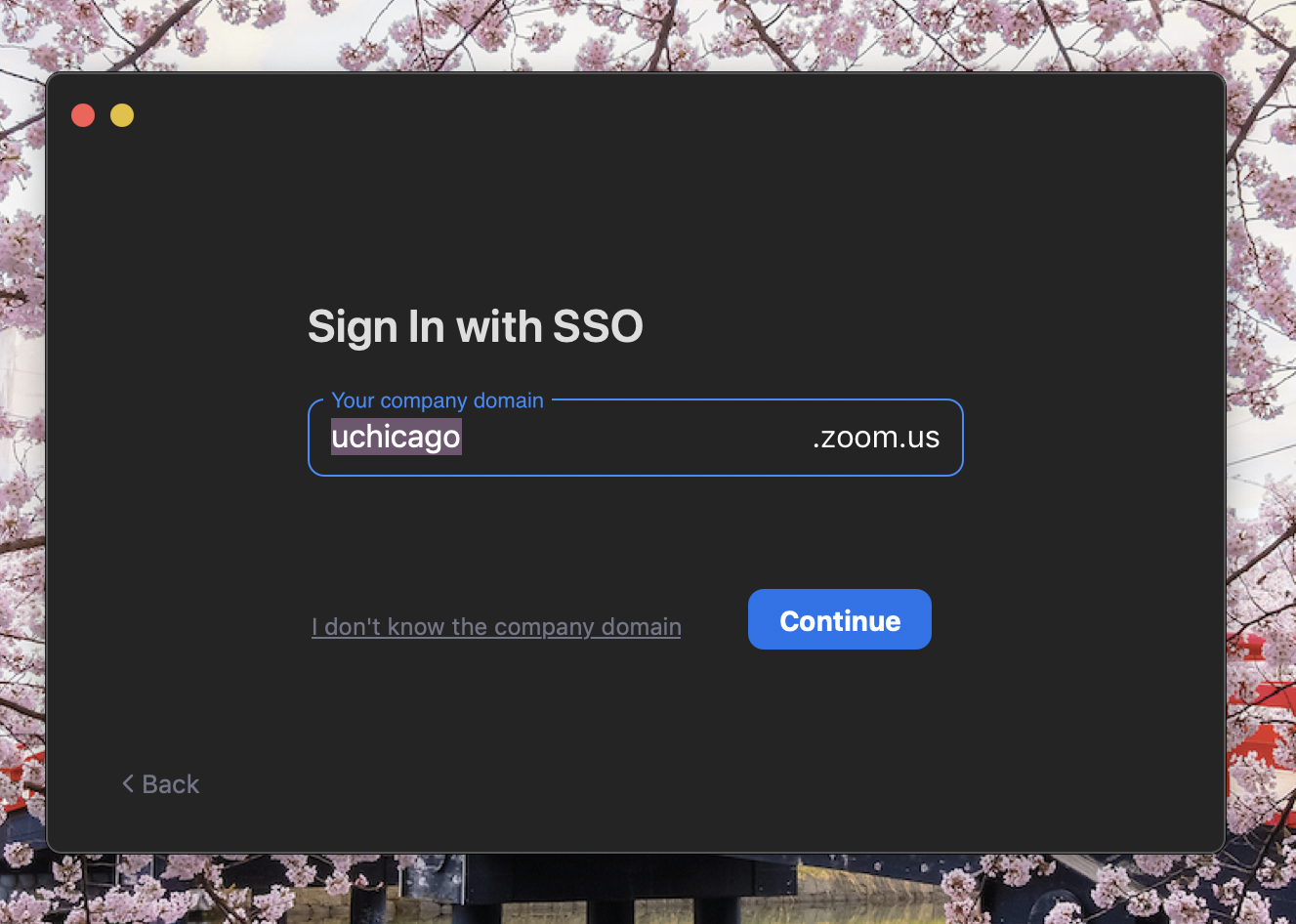
- Via App: choose “Sign in with SSO” and type “uchicago” for company domain, login with CNET
- This video shows you how to save the Zoom App to your Dock for easy access
Scheduling, Inviting, & Starting meetings
- Jump to 1:10 for setting specific time
- Jump to 2:05 for meeting room info
- Jump to 2:45 for “Only authenticated users can join” info
- Jump to 3:45 to add it to Google Calendar
- Jump to 4:45 for scheduling via App
- Jump to 6:45 for starting meeting
- Post / Share Zoom links with students or colleagues
- Invite people from Zoom meeting while hosting a meeting
- Extending Recurring Zoom Links
- Adjust the dates of your recurring Zoom Links
- Add another session to recurring Zoom Meeting or establish a No Fixed Time link
Hosts, Alternative Hosts, & Co-hosts
- Explaining the difference between Host, Alternative Hosts, & Co-Host
- Assigning an Alternative Host
- Assigning Co-Hosts during a meeting
- Changing Hosts during a meeting
- Look up employee & student CNET IDs here (search by “Name”)
- NOTE: If someone has been assigned an alternative host of a meeting, that meeting does NOT show up on their Meetings list online or in the app. They will just need to be provided with the meeting link.
Security options during a meeting
- Lock the meeting
- Waiting room
- Disable Chat during meeting
- Allow / Prevent students renaming themselves
- Mute and Unmute Participants
- Removing an individual
Breakout Rooms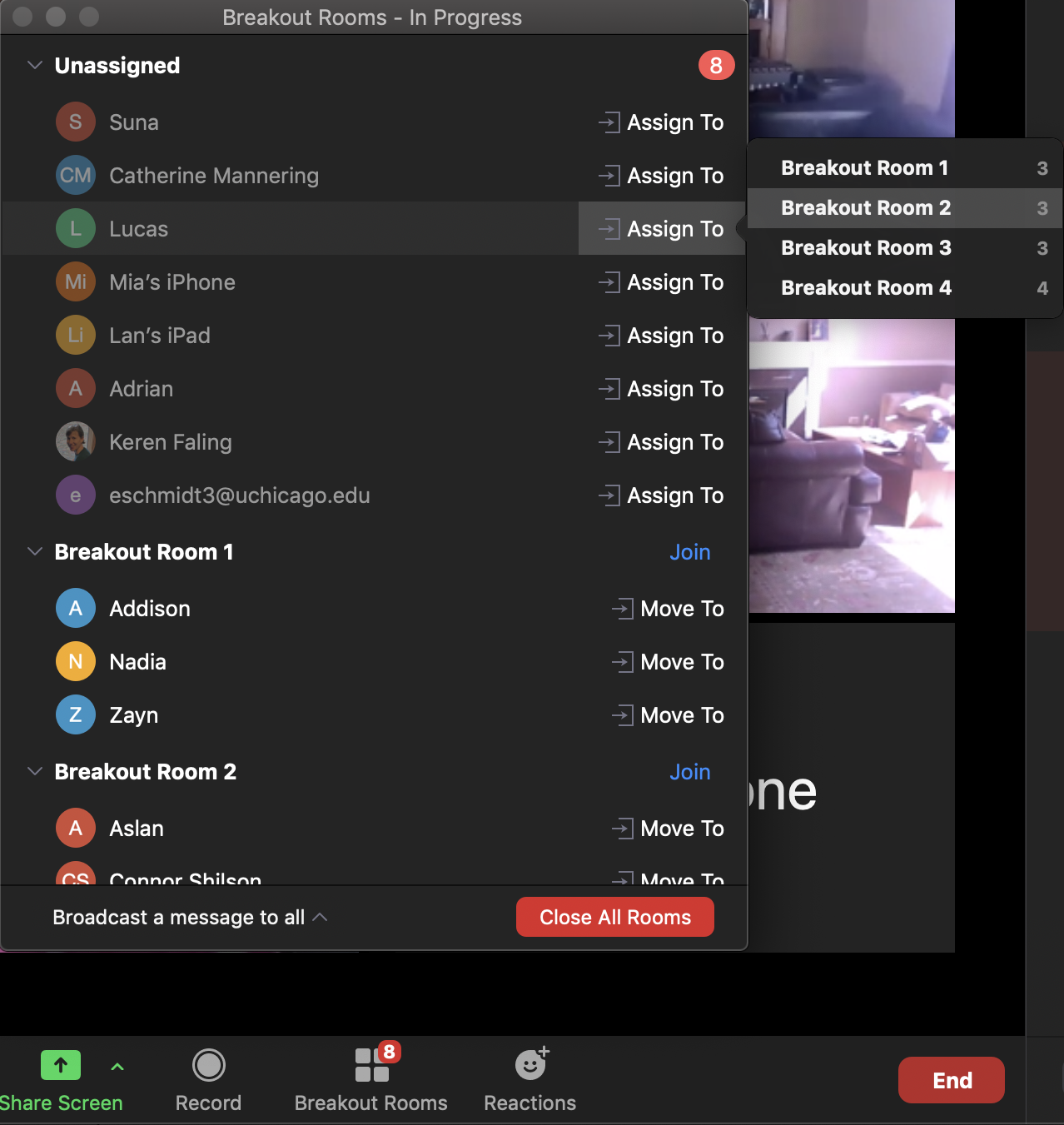
Screen Sharing, Whiteboard Mode, Annotating, etc.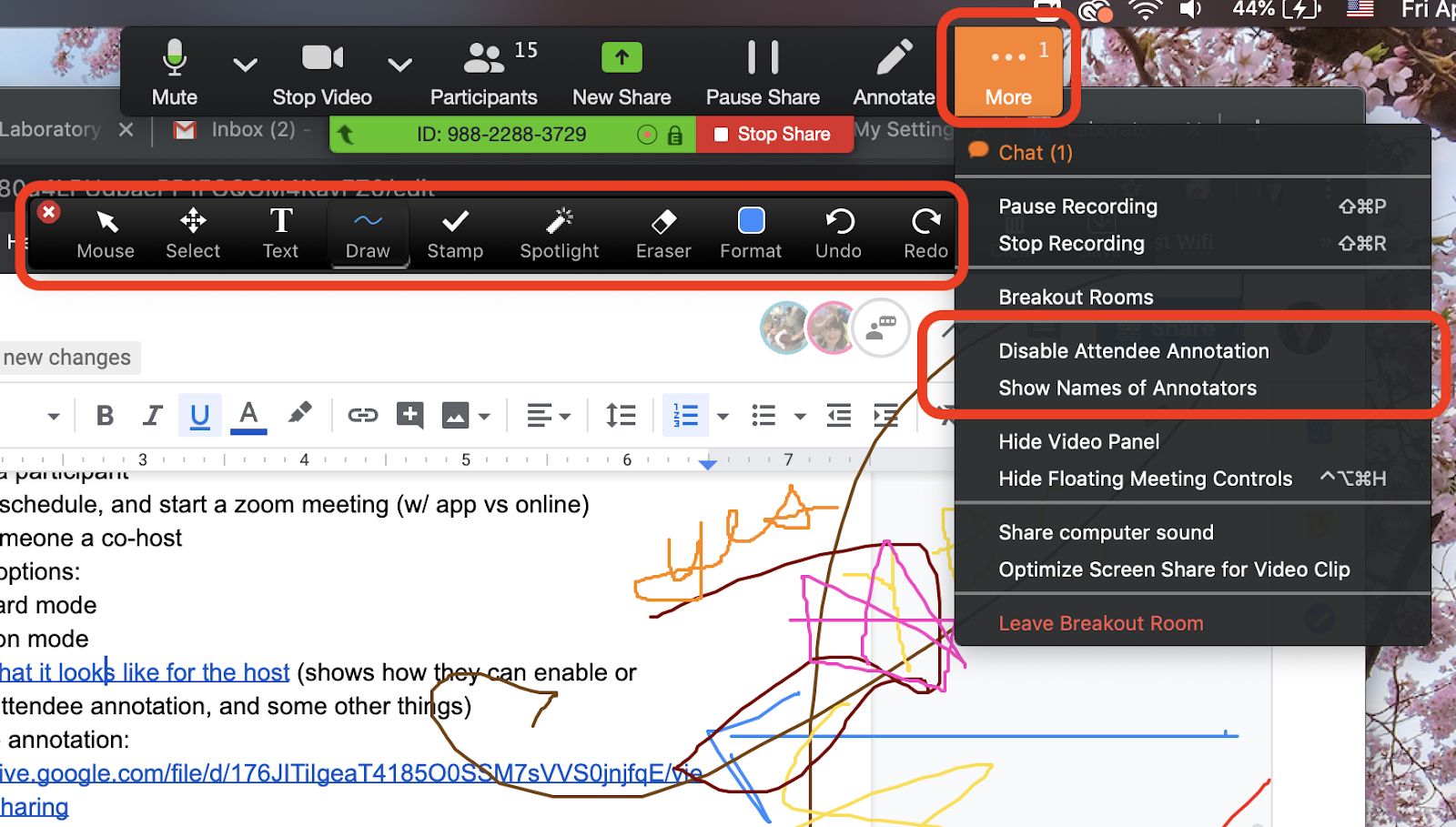
- (Turn on whiteboard mode in settings)
- Sharing your screen
- Turning on/off annotations in settings
- Using Annotation Tools
- How to use your Doc Cam in a meeting
- How to show your iPhone or iPad screen in a Zoom meeting
Other Features
- (Turn on polling in settings)
- How to look at and save poll results
- Reactions
- Recording
- Turning on/off Sound Notification when someone Joins or Leaves
Extra Help
- How to create and use Zoom Templates
- Zoom Scheduler Google Chrome extension
- Disable Virtual Backgrounds
- How to change your profile picture
- How to view 49 participants in gallery view
- UChicago Recorded Workshops about Remote Teaching with Zoom
Zoom Webinars and Live Streaming
- Webinar help documents
- Zoom MEETINGS vs Zoom WEBINARS: A Comparison
- Users can also email zoomsupport@uchicago.edu with any questions
- Live streaming a Zoom Meeting via Panopto
- Link to the “How to Live Stream a Zoom Meeting” Powerpoint
Misc. (not necessarily Zoom Related, but helpful video tutorials for WFH)
- How to upload videos to Google Drive and share the link
- How to save shared google docs in your Drive, and how to Bookmark website/links
 Info for STUDENTS
Students login to zoom the same way as faculty and staff (online at uchicago.zoom.us, or choosing “Sign in with SSO” in the app) using their CNET credentials
|
Comments
0 comments
Please sign in to leave a comment.